Everything it does
Built for players who want the information without the clutter — or the risk of anything that looks like a cheat overlay.
Automatic map detection
Reads the map name straight off your screen (OCR) — no manual selection needed most of the time.
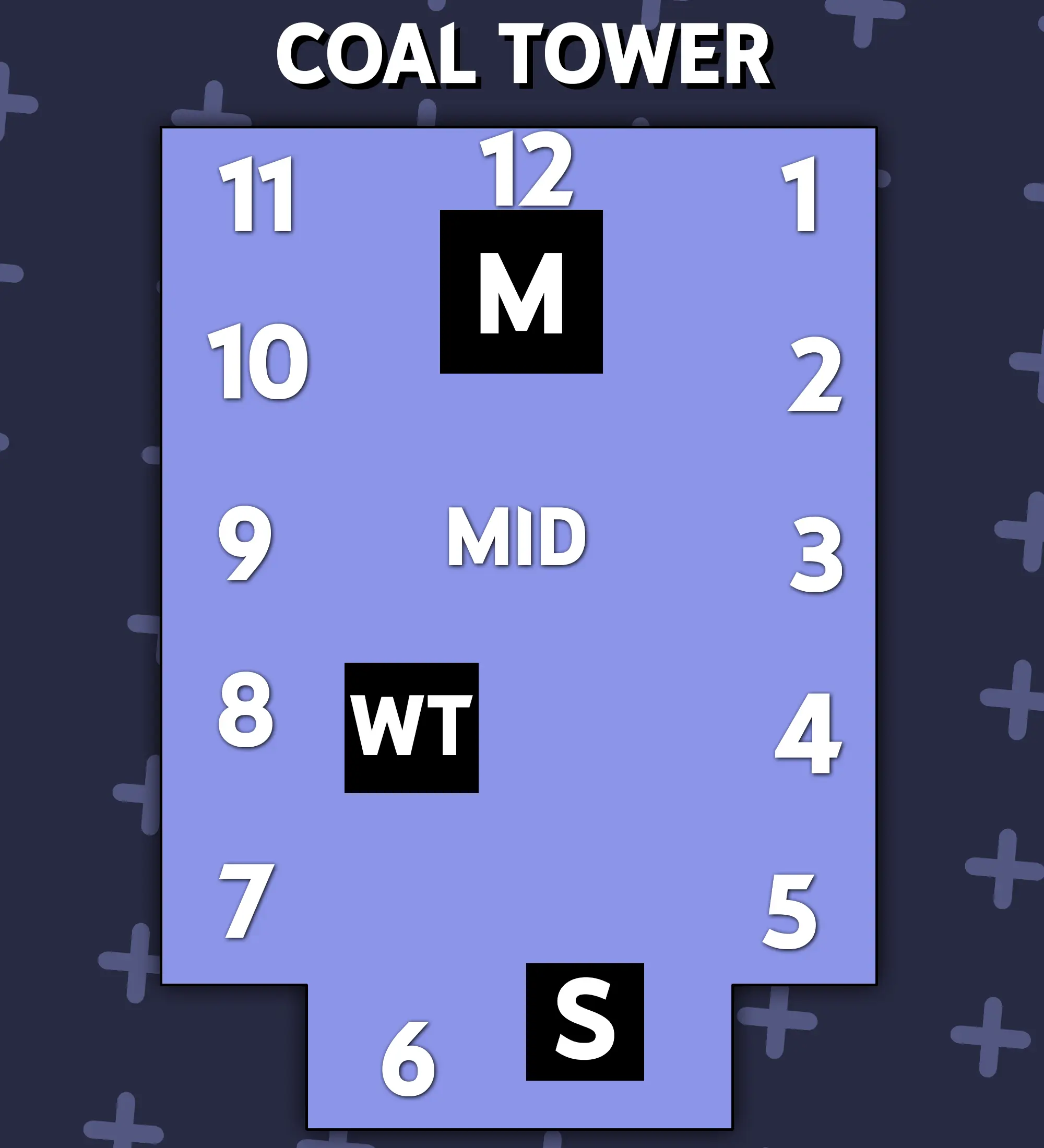
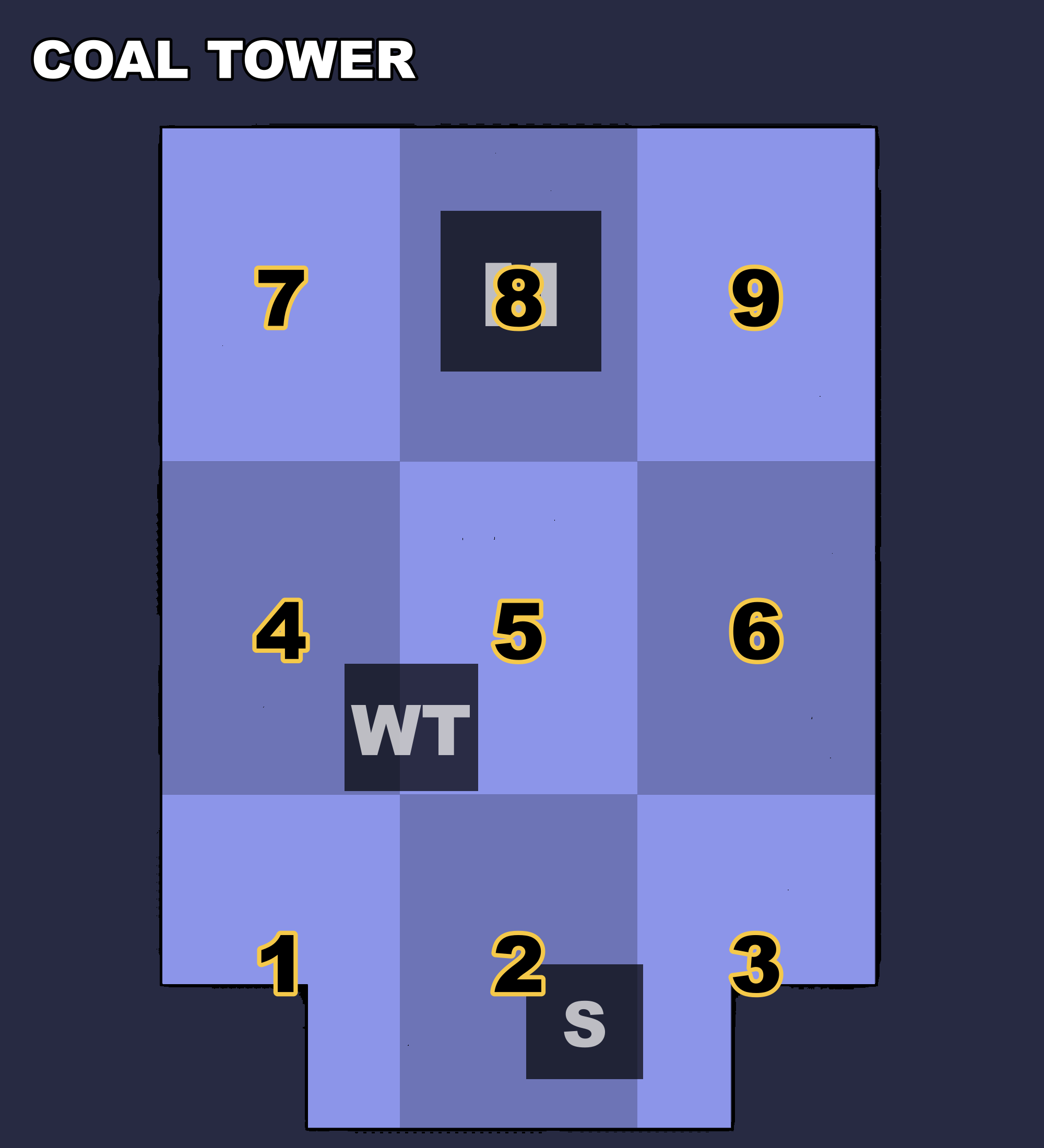
Two layout styles
Classic 1-12 clock numbering, or the 3x3 Numpad grid popular with Brazilian players — switch anytime with a hotkey.
ReShade integration
Assign a ReShade color preset per map and it switches automatically the moment the map is detected — plus a reset hotkey to go back to your default when the match ends.
English, Portuguese & Spanish
Full interface translation, switchable anytime in Settings.
Fully customizable
Opacity, size, position, hotkeys — tune the overlay until it's exactly as unobtrusive as you want.
Lightweight & quiet
Lives in the system tray, does nothing until you ask it to. No background polling, no memory reading, no game files touched.
Getting started
Up and running in under a minute.
Install and launch
Run the installer, then open DBD Overlay — it settles into the system tray.
Jump into a match
Play Dead by Daylight normally. Whenever you want to check the map, press the Detect map hotkey (default F10) — it reads the bottom-left corner at match start or the TAB scoreboard, whichever is showing.
The minimap appears
A small overlay shows up with the map's landmark numbers — drag it anywhere, resize it, or hide it with the Toggle overlay hotkey.
Fine-tune in Settings
Right-click the tray icon → Settings to set hotkeys, pick a layout style, assign ReShade presets per map, or change the language.
Setting up ReShade (optional)
If you already use ReShade for color grading, DBD Overlay can switch presets for you.
Point it at your ReShade folder
Settings → ReShade → Choose folder, and select the folder that contains ReShade.ini (usually …\Binaries\Win64 inside the game's install directory). The first time you do this, restart Dead by Daylight once so ReShade picks up the extra shortcut key DBD Overlay needs — after that one restart, you won't need to restart again for any preset changes.
Assign a preset to each map
Pick which .ini preset to use per map. Presets organized into subfolders — one per creator or pack, a common way to keep them tidy — are picked up automatically, grouped by folder in the dropdown. Each assignment takes effect the next time that map comes up — no need to close the game. Want to check it immediately instead of waiting? Click the ↻ button next to that map.
Set a default preset
Pick one fixed preset file to fall back to — the one ReShade switches to whenever you press the Reset to default hotkey (default F11), which also hides the overlay. Handy for the moment a match ends.
Free, and always will be
No trial, no license key, no catch. If DBD Overlay saves you some alt-tabbing, consider buying me a coffee.
Download for Windows